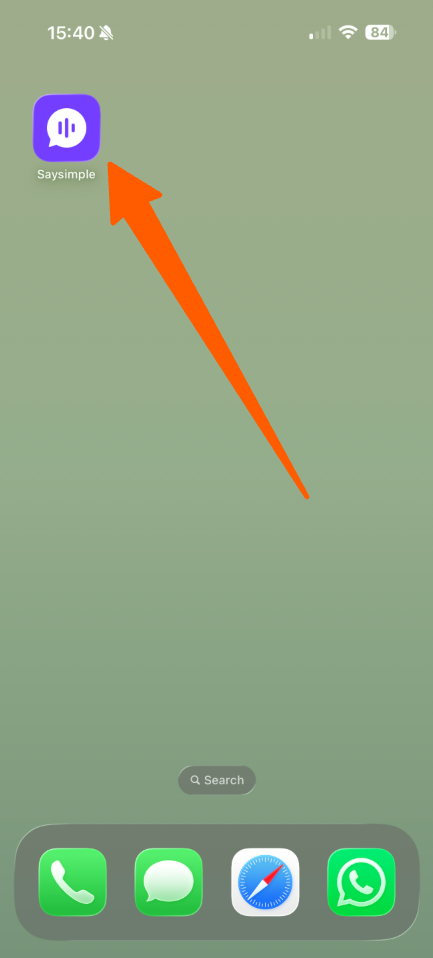
You can add a direct shortcut to Saysimple on your iPhone home screen, so you can access it quickly as if it were an app.
Follow the steps below:
Open the Safari app on your iPhone.
Open Saysimple
Go to https://app.saysimple.io/ in Safari and log in to your Saysimple account if needed.
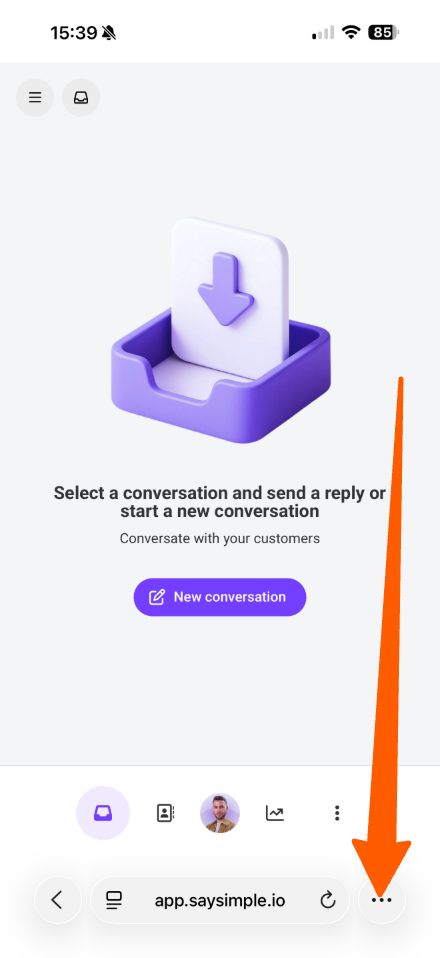
Open the Safari options
Tap the three dots (⋯) in the bottom-right corner of Safari.
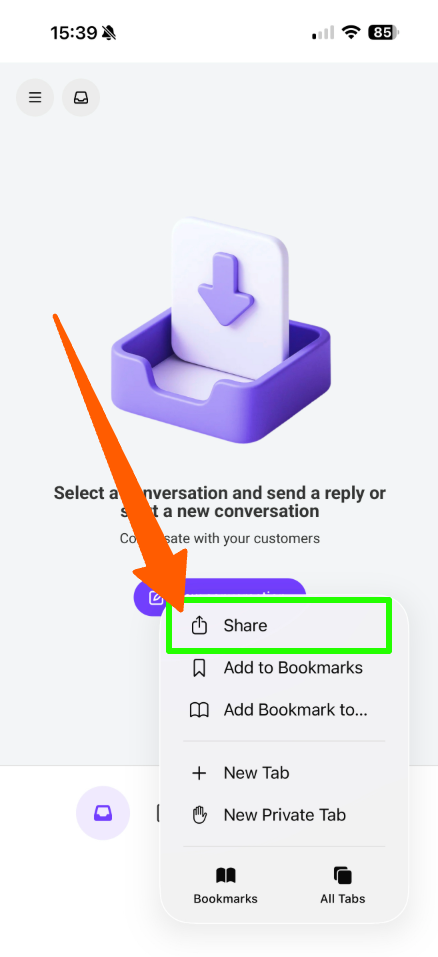
Tap Share : Select Share from the available options.
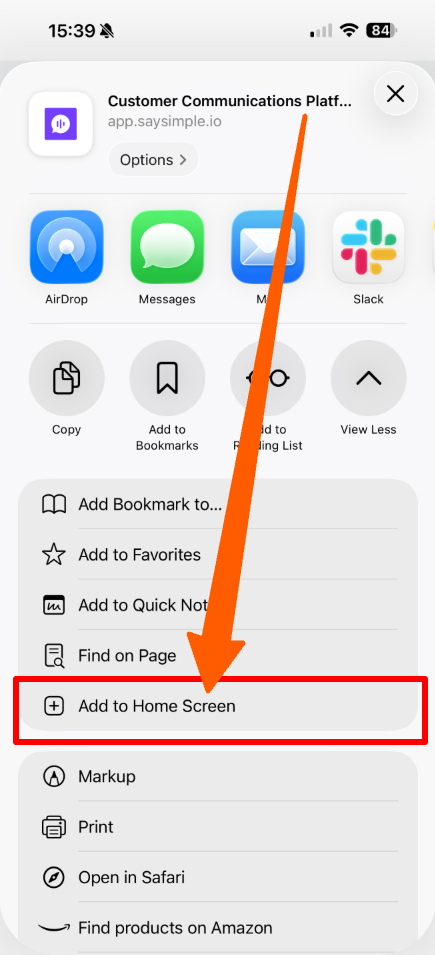
Select "Add to Home Screen": Scroll down in the Share menu and tap Add to Home Screen.
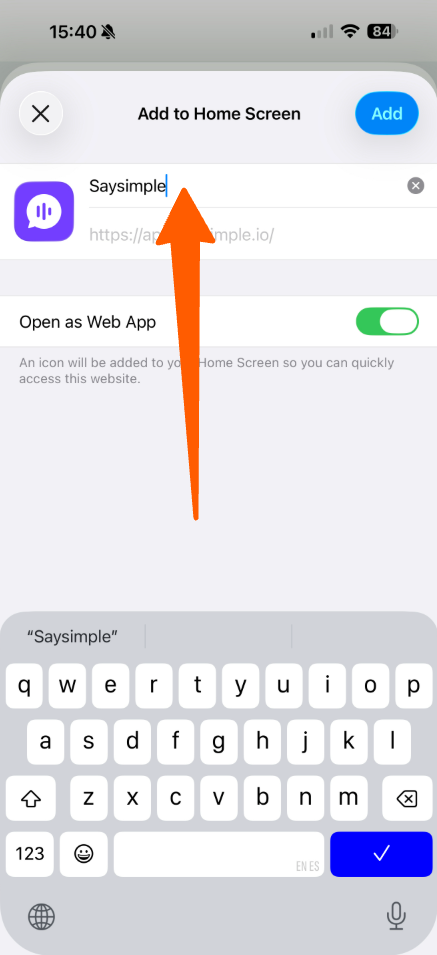
Name your shortcut: vEnter Saysimple as the name for the shortcut, then tap Add.
Access Saysimple from your home screen
The Saysimple icon will now appear on your iPhone home screen. Tap it whenever you want to access Saysimple directly.