The Variables section contains actions that allow you to store and work with information in your flow. You can use variables to save customer data, exchange information with external systems, and work with dates and times.
4.1 Set Variable
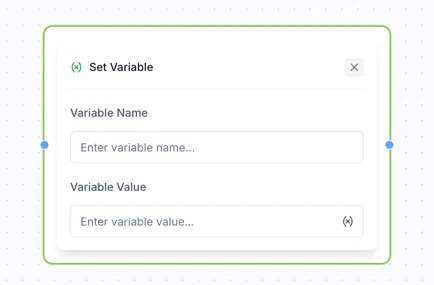
Use Set Variable to create or update information that you want to use later in your flow.
You can:
Create custom variables for information collected during the flow.
Use existing standard contact variables.
Variables can then be used in other actions throughout your flow, for example to personalize messages or determine which path the customer should follow.
4.2 HTTP Request
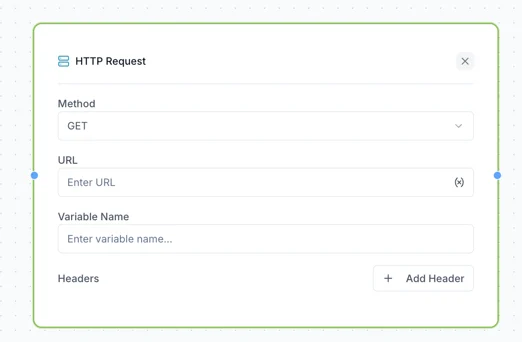
Use HTTP Request to make custom API calls to external systems.
This allows your flow to send information to or retrieve information from external systems and use that information within the flow.
For example, you can use an HTTP request to retrieve data from another system and use the response in a later step of your flow.
4.3 Calculate Date and Time
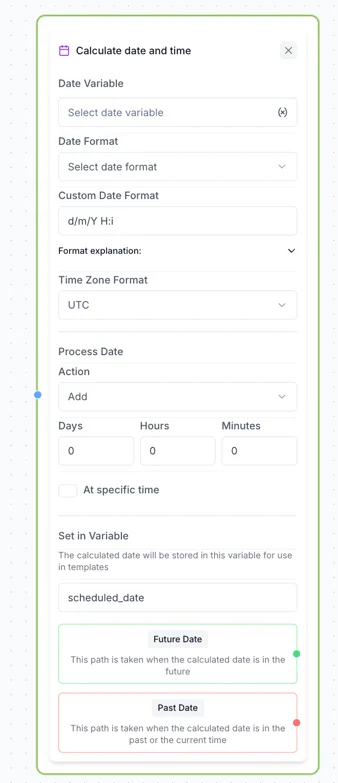
Use Calculate Date and Time to add or subtract a specific number of days or hours from a date received through a Webhook.
This can be useful when you need to calculate a future date dynamically.
For example, you can calculate a date based on information received from an external system and then use the result with Send Template Message.
Note: This action is only available when used as part of a Webhook flow.