The Actions section contains actions that allow your flow to manage conversations and contacts automatically. You can assign conversations to agents or teams, manage tags and contact lists, add internal notes, and archive or unarchive conversations.
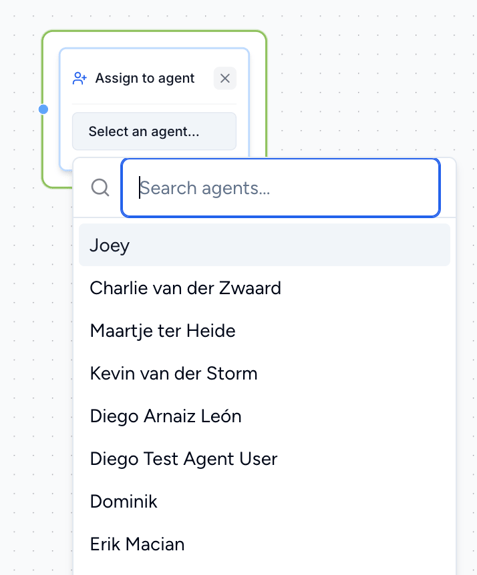
5.1 Assign to Agent
Use Assign to Agent to automatically assign the conversation to a specific agent.
Select an agent from the list. The agent must already be created in your Saysimple platform.
Note: This action should normally be used as the end of a flow, as it hands the conversation over to the selected agent.
5.2 Assign to Team
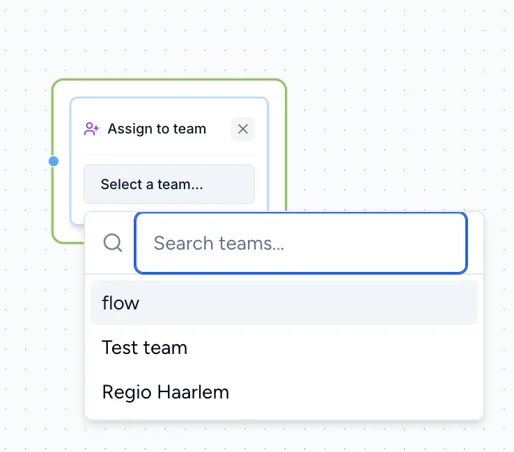
Use Assign to Team to automatically assign the conversation to a specific team.
Select a team from the list. The team must already be created in your Saysimple platform.
Note: This action should normally be used as the end of a flow, when you want to hand the conversation over to a specific team.
5.3 Unassign Conversation
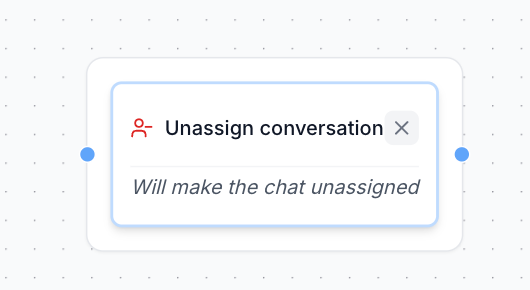
Use Unassign Conversation to remove the current agent assignment from a conversation.
This is useful when a conversation was previously assigned to an agent and you want to make it unassigned again.
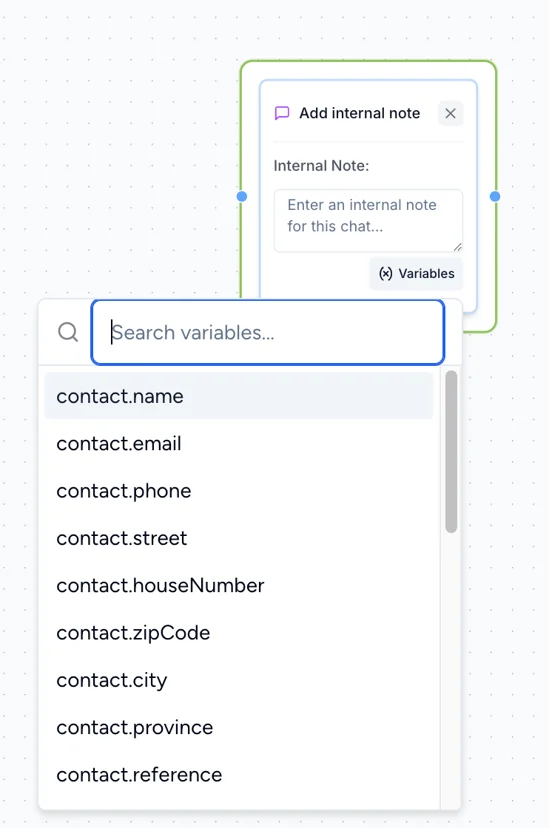
5.4 Add Internal Note
Use Add Internal Note to automatically add information to the conversation's Internal Comments section.
You can use this to store information collected during the flow, such as:
The customer's latest response or selection.
Contact information, such as
contact.nameorcontact.email.Other variable data collected during the flow.
Internal notes are only visible within the Saysimple platform and are not sent to the customer.
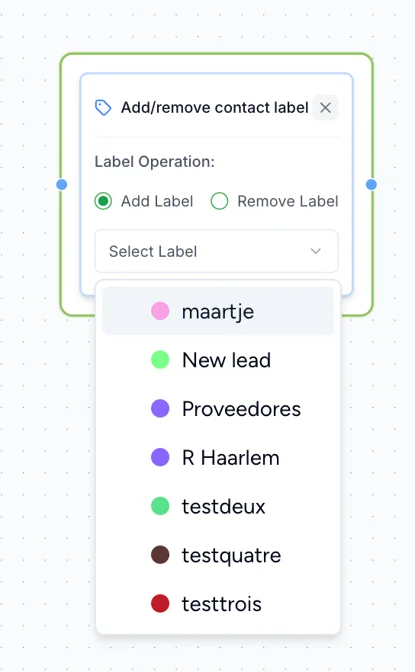
5.5 Add/Remove Contact Label
Use Add/Remove Contact Label to automatically add or remove a contact label from the customer.
The labels you want to use must already be created in your Saysimple platform.
-png.png?width=415&height=673&name=Captura%20de%20pantalla%202025-06-17%20a%20las%2010-25-42%20(1)-png.png)
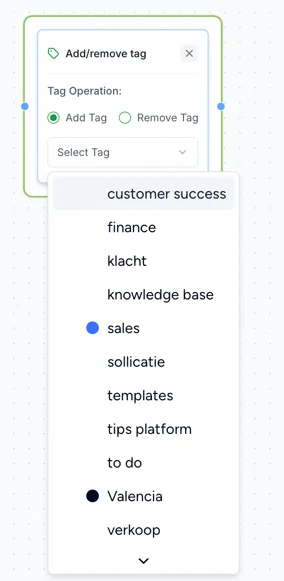
5.6 Add/Remove Tag
Use Add/Remove Tag to automatically add or remove a tag from the customer who interacts with the flow.
The tags you want to use must already be created in your Saysimple platform.
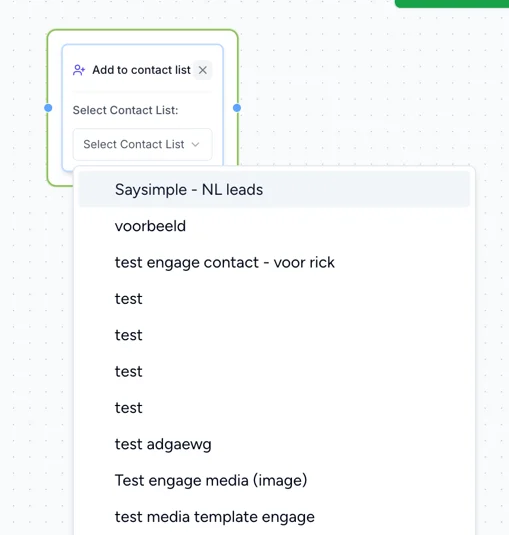
5.7 Add to Contact List
Use Add to Contact List to automatically add the customer to one of your contact lists.
The contact list must already be created in your Saysimple platform.
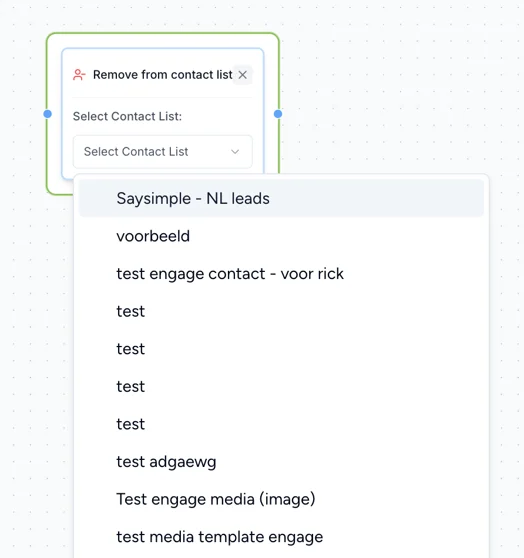
5.8 Remove from Contact List
Use Remove from Contact List to automatically remove the customer from an existing contact list.
5.9 Archive Conversation
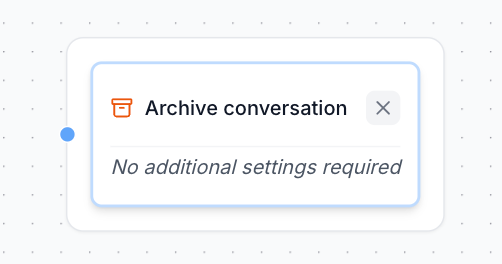
Use Archive Conversation to archive and close the conversation in Saysimple.
Archiving = closing the conversation in Saysimple.
This action is typically used as the end of a flow when no further interaction is needed.
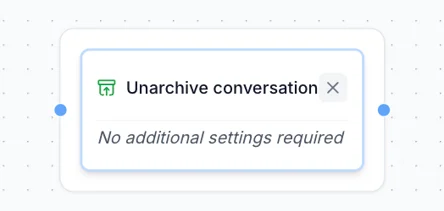
5.10 Unarchive Conversation
Use Unarchive Conversation to reopen a conversation that was previously archived in Saysimple.
This allows the flow to make an archived conversation active again.